Skip to content

Your account will be paused: We couldn’t verify your business operations – Google Ads
 Gianluca Catinella, Director, Ad Restore LtdPublished on Updated 13 min read
Your account will be paused: We couldn’t verify your business operations
The notice wording is as advertisers report it; Google’s help pages don’t publish it as a heading.
The notice advertisers report seeing, “Your account will be paused: We couldn’t verify your business operations”, means Google Ads can’t yet confirm how your business works from your account, your website and your business operations verification answers, and it will pause your ads unless that verification is completed. Google gives 30 days from the first notification and says the deadline can’t be extended. What to do now: find the deadline in your account, work out which of Google’s six failure reasons applies, and fix the real mismatch or missing document before you submit anything again.
Clients have phoned us about this notice. Being asked to verify isn’t an accusation, and a pause isn’t a suspension. But Google limits how many attempts you get, so the next submission matters. Below: why Google asked, why verification fails, the deadline, and what to change before you submit again. For the verification process itself, from the start, see our guide to business operations verification.
At a glance
Deadline
Google gives 30 days from the first notification and says the deadline can’t be extended.
Who can submit
Google says “only a Google Ads account admin can complete the tasks”.
While paused
Your ads stop until the pause is lifted. You keep access: Google says “you can still access your paused account and any associated reports”.
Paused is not suspended
A pause is not a suspension. The way out of a pause is to complete verification.
Review time
Google’s pages don’t agree: up to 5 business days on the timelines page, allow 5 to 7 business days on the business operations form.
Attempts
Google says “we allow a limited number of verification attempts”. It doesn’t publish how many attempts business operations verification allows.
Checked against Google’s published documentation in September 2026, and the reasons, Merchant Center and appeal details on 9 October 2026. Verify details against the linked pages before relying on them.
On this page10 sections
“Will be paused” or “is paused”: what actually changes
The notice says “will be”. The pause is tied to a deadline: Google shows the date on your Account page (given a deadline?), and its pausing page says the account is paused if the documentation isn’t submitted within the 30-day notice period. Until that date, the pause is still ahead of you.
Once the account is paused:
A pause is not a suspension, and the difference decides what you do next:
Paused or suspended
| Paused | Suspended | |
|---|---|---|
| Ads | Can’t run | Can’t run |
| The way out | Complete verification | An appeal; some advertisers must complete advertiser verification before they can appeal |
| Usual cause | A missed deadline, an unclear business model, or repeated failed attempts | A policy breach, including false information given during verification |
A verification problem can be fixed. False information is a different category, covered below.
Why did Google ask to verify your business operations?
Google doesn’t tell you which signal started it, but it does publish the reasons it may pause an account until verification is done. Its advertiser verification page lists, among others, the suspicion that your advertising or business practices may cause physical or monetary harm, which it says includes:
- misrepresenting yourself in your ad content;
- offering financial products or services under false pretences;
- offering unauthorised customer support services on behalf of third parties.
To decide whether to pause, Google says it may look at regulatory warnings, rulings about an advertiser’s business practices, and complaints from people using Google, businesses and other entities about impersonation or scams. You can also be asked again after passing: Google says re-verification often happens after significant changes to your Google Ads account, such as updates to your payments profile, billing address or business information.
None of that is a finding against you. It is the list of things Google wants ruled out, which is why the answers and documents have to describe the business plainly: what you sell, who delivers it, and who else is involved.
Why Google couldn’t verify your business operations
Google says “your account may be paused if the business model is unclear” and it suspects users could be harmed (Pausing due to business operations verification). Verification is how you make the model clear: what you sell, who delivers it, who else is involved, and who runs the ads.
When Google can’t verify your business operations after reviewing your answers, it sends an email and an in-account notification with details about the issue. Its help page sorts the failures under six headings:
- Info is inconsistent or doesn’t match your Google Ads account. Your answers, documents and account don’t line up: the name, the address or the website.
- Not enough info about business relationships associated with your account. An agency, a fulfilment partner or a domain owner is involved, and the relationship wasn’t evidenced.
- Not enough info about the provider of goods or services. Google can’t tell who actually delivers what the customer pays for.
- Not enough documentation about your identity and licensing. Registration documents, or a licence your trade needs, are missing.
- Issues with submitted documents. The documents were unreadable, incomplete, out of date, or in a form Google doesn’t take.
- Couldn’t verify your identity or business operations. The catch-all: mismatched names, a payments country that differs from your documents, or an unclear legal status.
The one we see most is the first: details that don’t match. What’s on the account doesn’t add up against the documents, and there isn’t enough linking the business, the person advertising and the paperwork together.
Google’s pausing page adds three common reasons for repeated failures: missing vertical-specific licences, undisclosed business relationships (“You must disclose any third parties mentioned on your website”), and an incorrect business type declaration, where the business type you declared doesn’t match your legal documents.
For UK limited companies, check the name first.
Google wants the full legal name including any suffixes or punctuation, and says “the trade or DBA name and legal name must match the registration document”. Use the precise registered company name, not just your trading name. Google accepts a certificate of incorporation or a VAT registration certificate from UK organisations. In our experience both work, but the certificate of incorporation is stronger and the VAT certificate is a useful backup. Our guide to Google Ads advertiser verification covers the UK documents in full.
The deadline: 30 days, and it can’t be extended
Google’s form asks for verification to be completed within 30 days of the first notification, and its timelines page answers can the deadline be extended? with a no. The date is on your Account page, under Admin > Policy > Account (where to find it).
Only an admin can submit
Google says “only a Google Ads account admin can complete the tasks”. If the person who knows the business best has standard access, sort that out now, not on day 29.
What if you miss it? Google’s documented outcome is a pause, under failure to complete verification within specified time frame. Our experience is less comfortable: where we’ve seen the deadline missed, it didn’t stop at a pause; it ended in suspension. Treat the deadline as a hard stop. If the account has already gone past a pause into a suspension, that’s where our Google Ads suspension services come in.
How to get a paused account unpaused
There is one route: complete verification. Google says it will “unpause your account only if you get verified”. Once your answers are deemed to meet the requirements of the verification program, ads can run again, provided they comply with policy.
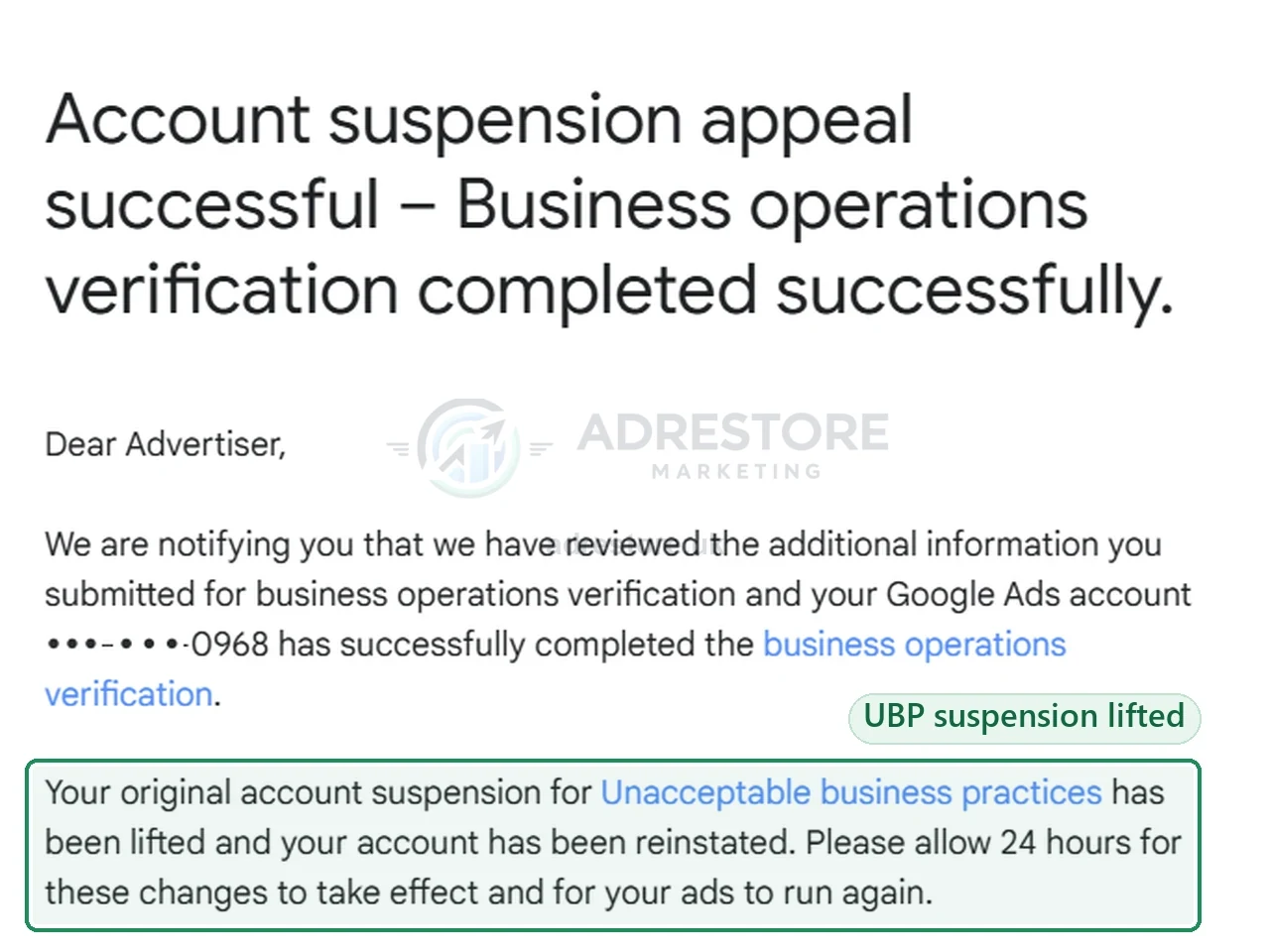
Google’s pages don’t agree on how long review takes:
- The timelines page says up to 5 business days, depending on the task.
- The business operations form says to allow 5 to 7 business days.
- Separately, it “can take up to 5 business days for the verification status to update”.
In our experience, once a proper resubmission has gone in, it has taken about a week for the account to come back. That’s our experience, not a Google commitment.
What not to do
Don’t resubmit the same thing unchanged
Google says “we allow a limited number of verification attempts”, and “through excessive failed attempts, your account will be paused”. It doesn’t publish how many attempts business operations verification allows. In our experience it has been around three submissions before a pause, and sometimes it has gone on to a suspension.
When we’ve seen people resubmit and fail again, the cause was the documentation, not the answers:
“The answers were fine. What was missing was the right documentation. Documentation is the most critical part of this, along with explaining it properly.”
Gianluca CatinellaDirector, Ad Restore LtdDon’t fire off appeals
The most common mistake we see is filing too many appeals without getting professional help first. On its page about fixing verification document issues, Google says “you should only appeal if you believe this was an error”. If the failure was real, the fix is in your details and documents, not in another appeal.
If it really was an error, Google’s pausing page says to contact us to appeal the decision, and that most appeals are reviewed within 5-7 business days, though some take longer. It asks for as much detail as possible to avoid delays.
Never alter a document, and answer every question truthfully
This is the line that turns a pause into a suspension. Google says “submitting false info will be a violation of the Circumventing systems policy”. Its Circumventing Systems policy says an advertiser that does this will lose its verified status and have its account suspended, and its documents page calls false information an egregious violation.
Never edit a document to make it match; change the account details, or supply the correct original document. Answer the questions about who’s involved truthfully too. The form asks whether another business manages campaigns or campaign creation and whether any other parties sign in to the Ads account. If an agency, a freelancer or anyone else manages or signs in to your account, say so. Our guide to Circumventing Systems and advertiser verification explains how a mismatch becomes a suspension.
When is it too late?
“It’s never too late to fix business operations verification. It will hang over the account until it’s done properly. Where it is too late is if, for example, you no longer have access to the domain.”
Gianluca CatinellaDirector, Ad Restore LtdThat follows from Google’s own rules. Verification fails when “the website provided is invalid or not associated with your Google Ads account”, and Google asks about the domain owner, if different. Lose the domain and you can’t show that link, so keep it renewed and in your control while this is open.
A 48-hour action list
This list is built only from Google’s published requirements. It’s an order of work, not a promise of an outcome: Google decides. The fuller checklist we use is the one we go through with you in the written audit every service includes.
Find the notice and the date.
Read the email and the in-account notification, note which failure heading applies, and write down the deadline.
Check who can submit.
The person answering must be an admin on the account.
Line up the name.
Payments profile, form and documents should show the same full legal name. Google’s UK page says document details must exactly match your payments profile info, including the organization name.
Line up the address and website.
The account address must align with the address on your submitted documents, proof of address should be issued within the last 90 days, and the website must be valid and associated with the account.
Map everyone involved.
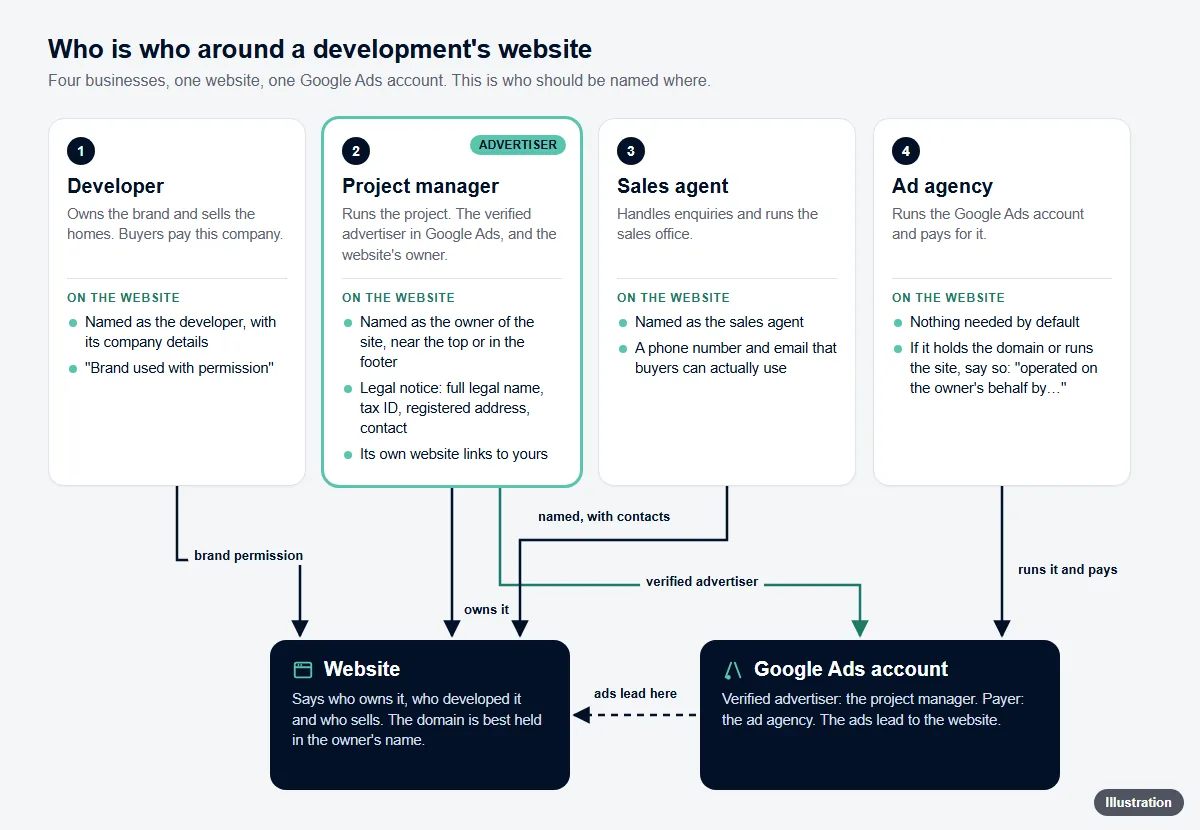
Google wants details on all relationships involved in the value chain. Evidence can be a contract, an invoice or email, or a letter on their company letterhead. A third party named on your website needs documenting, or removing from the site.
Check licences.
If your trade is regulated (Google’s examples include healthcare, car rental, or finance), have the licence ready; the form asks for it.
Prepare the documents.
Originals, in colour, every page, all four corners visible. No screenshots, and no zipped documents or links to folders. The form asks for PDF format. You may hide or edit out proprietary or personal information, which means covering it, not changing what the document says. Upload only what’s asked for: uploading documents other than what is requested can itself lead to suspension.
Check before you submit.
Google advises you to check your responses for accuracy and completeness. Read every answer against the document that supports it.
Related questions
What does “We couldn’t verify your business operations” mean?
Google can’t yet confirm how your business operates from your account, your website and any verification answers and documents you’ve submitted. Unless verification is completed by the deadline, the account will be paused. On its own, it isn’t a suspension.
My business operations verification deadline passed. What now?
Google documents that a missed deadline pauses the account, and a paused account is unpaused only once verification is complete. Fix what caused the failure, then submit. Where we’ve seen a deadline missed, it has also ended in suspension, so don’t leave it any longer.
Verification wasn’t accepted and my account is now paused. What should I do?
Stop and diagnose before the next attempt. Match the failure heading in the notification to Google’s six headings above, find the detail or document that caused it, and only resubmit once something real has changed.
Can I still see my account and reports while it’s paused?
Yes. Google says you can still access a paused account and its reports. Your ads don’t run until the pause is lifted.
Will my other Google Ads accounts be paused too?
They can be: Google says accounts related to the paused account may also be paused. We haven’t seen it in our own cases, but plan on the basis of Google’s statement. Google also says Merchant Center accounts linked to a paused Google Ads account may be paused, and so may any new accounts you try to create.
Why is Google asking me to verify my business operations?
Google doesn’t name the signal in your case. Its published reasons include a suspicion that advertising or business practices may cause physical or monetary harm, such as misrepresenting yourself in your ads or offering unauthorised customer support on behalf of third parties, and it says it may look at regulatory warnings, rulings and complaints. It can also ask again after significant account changes, such as a new payments profile, billing address or business information.
Can I appeal a failed business operations verification?
Only if you believe it was an error. Google’s pausing page says to contact Google to appeal the decision and that most appeals are reviewed within 5-7 business days. If the failure was real, the way out is to fix the details and documents and complete verification: Google says it will unpause the account only if you get verified. If your account is suspended and verification stands in front of the appeal, read what to do when business operations verification was not successful.